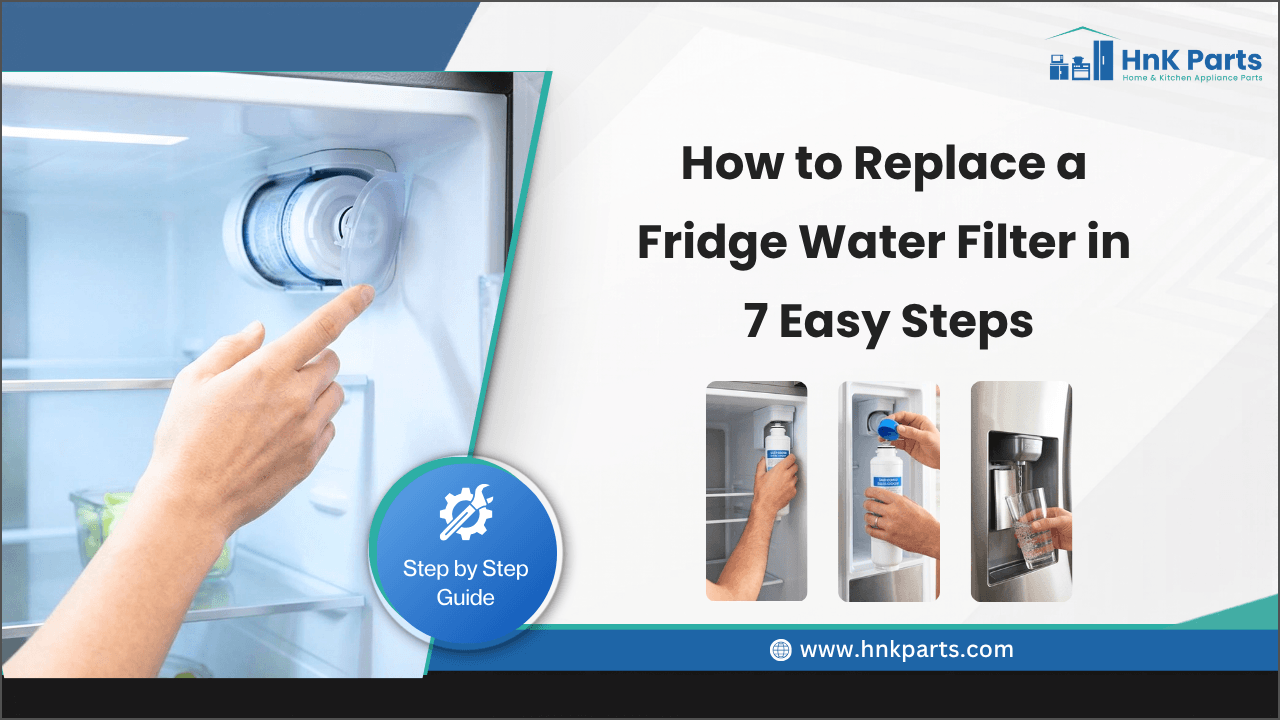
How to Replace a Fridge Water Filter in 7 Easy Steps
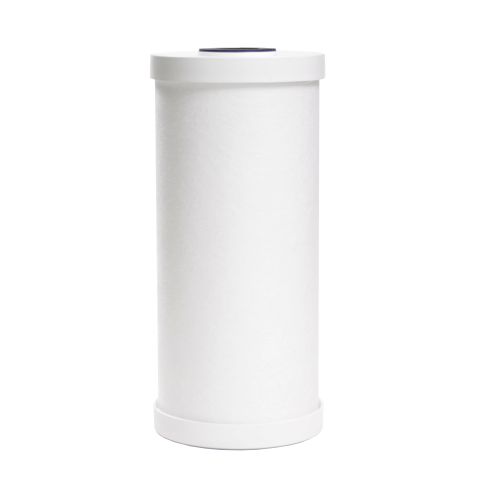
Fridge water filters are designed to remove impurities, improve water taste, reduce odors, and provide cleaner drinking water and ice. As the filter collects contaminants, its ability to filter water effectively decreases. Replacing it regularly helps ensure clean water and protects your refrigerator's water system.
If you're wondering how to replace a fridge water filter, the process is quick and simple. Regularly replacing your fridge water filter supports consistent water flow and cleaner drinking water. This guide walks you through seven easy steps to replace your filter correctly.
Why Regular Fridge Water Filter Replacement Matters
A refrigerator water filter does more than improve drinking water quality; it also helps maintain the proper operation of your refrigerator’s water dispenser and ice maker. As the filter reaches its capacity, water flow may slow, and filtration performance can decrease. Replacing the filter at the recommended interval provides several important benefits:
- Delivers consistently filtered water for drinking and cooking
- Supports smooth water flow to the dispenser and ice maker
- Reduces strain on the refrigerator's water circulation system
- Helps maintain clear, better-looking ice cubes
- Minimizes sediment buildup inside water lines
- Promotes reliable dispenser and ice maker operation
- Ensures the filter performs at its intended filtration capacity
Replacing the filter every six months, or sooner in homes with high water usage, helps keep your refrigerator's water system working efficiently.
Looking for refrigerator replacement parts? Fix your appliance fast with reliable home appliance repair parts from HnK Parts. Shop components for trusted brands like Samsung, LG, Whirlpool, and GE, including water filters, control boards, thermostats, door handles, and compressor parts. Get the right part at competitive prices with fast delivery.
How to Replace a Fridge Water Filter in 7 Easy Steps
To replace the refrigerator water filter properly, gather minimal tools and complete the process in approximately 15 minutes by following the steps below:
Step 1: Find the Water Filter Location
Locate the water filter before removal. Common locations include the upper-right corner, bottom grille, fresh food section, or ceiling panel.
Step 2: Remove the Old Water Filter
The removal method depends on the filter design. Common refrigerator water filter types include:
- Twist-and-lock filters
- Push-button release filters
- Pull-out cartridge filters
Turn twist-and-lock filters counterclockwise and pull out. Press the release button on push-button filters and pull out. Avoid forcing the filter, and place a towel underneath.
Step 3: Inspect and Clean the Filter Housing
Inspect the housing for dirt, mineral deposits, damaged O-rings, water residue, or cracks. Clean it with a soft cloth and warm water.
Step 4: Install the New Water Filter
Remove protective caps, check the model and O-rings, then install the filter correctly.
For twist-and-lock filters:
-
Push the filter into the housing.
-
Turn it clockwise until it locks.
For push-in filters:
-
Slide the cartridge into the opening.
-
Push until it clicks into place.
Do not force the filter if it does not fit correctly.
Step 5: Secure the Filter
Check that the filter sits flush, locks securely, has no gaps, and stays in place. A loose filter can cause leaks, low water flow, or poor filtration.
Step 6: Flush the New Filter
Flush around 2–4 gallons of water to remove air and carbon particles. Discard the flushed water before drinking.
Step 7: Reset the Water Filter Indicator
After installing the new filter, reset the refrigerator water filter light by holding the filter reset button for 3–5 seconds until the indicator changes.
- Red to green
- Orange to blue
- Flashing to solid
For touchscreen models, reset the filter through the maintenance menu and follow the owner’s manual instructions.
Find out Samsung refrigerator sensor vs. thermostat issues and how to identify the problem.
Common Fridge Water Filter Problems and How to Fix Them
If your fridge water filter is not working after replacement, you may notice water flow, taste, or dispenser issues. Use these troubleshooting steps to resolve common problems:
|
Common Fridge Water Filter Problems |
Possible Causes |
How to Fix It |
|
Water Filter Won't Come Out |
Mineral buildup inside the filter housing, incorrect removal technique, pressure trapped inside the water system, filter not replaced for a long time |
Turn off the water supply if needed, dispense water to release system pressure, gently twist and pull the filter, use a rubber glove for better grip, and avoid using excessive force to prevent damage |
|
New Filter Doesn't Fit |
Incorrect filter model number, protective packaging caps not removed, misaligned filter cartridge, damaged connector, or damaged filter housing |
Check your refrigerator model before purchasing a replacement filter, remove all protective caps and packaging, align the filter correctly before inserting, and use only compatible or manufacturer-approved filters |
|
Water Leaks After Replacement |
Improper filter installation, damaged or worn O-rings, loose filter connection, or cracked filter housing |
Remove the filter and inspect the connection area, check for damaged O-rings or cracks, reinstall the filter until it locks securely, and replace the filter or damaged components if leaking continues |
|
Low Water Flow from the Dispenser |
Air trapped inside the new filter, partially installed filter, partially closed water supply valve, or a kinked water line |
Flush several gallons of water through the new filter, confirm that the filter is properly locked in place, ensure the water supply valve is fully open, and check the water line for bends or blockages |
|
Filter Reset Light Won't Turn Off |
Reset process not completed correctly, incorrect replacement filter installed, or refrigerator display malfunction |
Hold the filter reset button for the recommended time, disconnect power briefly and restart the refrigerator, check the user manual for the correct reset procedure, and verify that the replacement filter is compatible with your refrigerator model |
Watch to learn the top 5 refrigerator issues and how to fix them with simple troubleshooting tips and repair solutions.
Tips to Extend the Life of Your Refrigerator Water Filter
Proper maintenance can help your refrigerator water filter work efficiently until its recommended replacement time. Here are some simple refrigerator maintenance tips:
- Use the Dispenser Regularly: Dispense water frequently to prevent it from stagnating inside the filter and water lines.
- Avoid Long Dispensing Sessions: Fill large containers in shorter intervals to reduce continuous strain on the filtration system.
- Maintain Proper Water Pressure: Inspect your water supply lines regularly and replace any kinked or damaged tubing to ensure a smooth water flow.
- Clean the Filter Housing: Wipe the filter compartment during every replacement to remove residue that could affect the new filter.
- Flush the System After Long Breaks: If the refrigerator hasn't been used for several days, run the dispenser for about a minute before drinking the water.
- Store Replacement Filters Properly: Keep new filters sealed in their original packaging until you're ready to install them.
- Watch for Early Warning Signs: Replace the filter if you notice changes in water taste, odor, or flow, even if the indicator light hasn't turned on.
Summary: Enjoy Cleaner Water with Regular Fridge Water Filter Replacement
A clean refrigerator water filter supports reliable water flow, cleaner drinking water, and consistent ice production. Using the right water filter for the refrigerator and replacing it on schedule helps reduce dispenser issues, prevents unnecessary strain on the water system, and keeps your refrigerator's water features operating efficiently with minimal maintenance.
Key Takeaways
- Replace the filter before it reaches full capacity, rather than waiting for noticeable water quality issues.
- Match the replacement filter using your refrigerator's model number to ensure a proper fit.
- Inspect the filter housing and seals during every replacement to catch minor issues early.
- Flush the new filter completely to stabilize water flow and remove trapped air.
- Don't rely solely on the filter indicator; changes in water taste, odor, or flow are also signs it's time for a replacement.
- Keeping up with routine filter changes helps maintain dependable water dispensing and ice production.
FAQs
How often should I replace my fridge water filter?
Most refrigerator water filters should be replaced every six months to maintain water quality and proper performance.
How do I know when my refrigerator water filter needs replacing?
Signs include slow water flow, bad taste or odor, cloudy water, smaller ice cubes, reduced ice production, or a filter warning light.
Why is my refrigerator water dispenser slow after changing the filter?
A slow dispenser is often caused by trapped air in the new filter. Flush 2–4 gallons of water and check that the filter is installed correctly.
Do I need to flush a new fridge water filter before using it?
Yes, flushing removes trapped air and carbon particles from the new filter. Dispense 2–4 gallons of water before drinking.
How do I reset the refrigerator water filter light after replacement?
Press and hold the Filter Reset button for several seconds until the indicator changes or turns off. Follow your refrigerator manual for model-specific steps.
| Disclaimer: The information provided in this guide is for general informational purposes only. Refrigerator models, filter designs, and replacement procedures may vary depending on the manufacturer. |
-
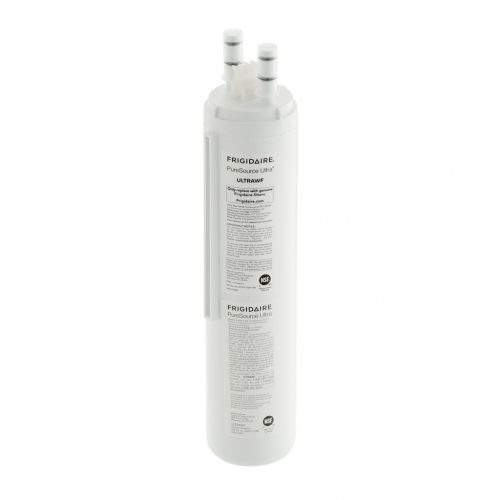 Frigidaire ULTRAWF Refrigerator Water FilterSpecial Price $63.39 Regular Price $78.48
 -
 Frigidaire 242069701 Refrigerator Cover-Water FilterSpecial Price $43.26 Regular Price $46.09
 -
 General Electric ADAPTER Adapter Replacing FXRC Water FilterSpecial Price $15.21 Regular Price $20.71