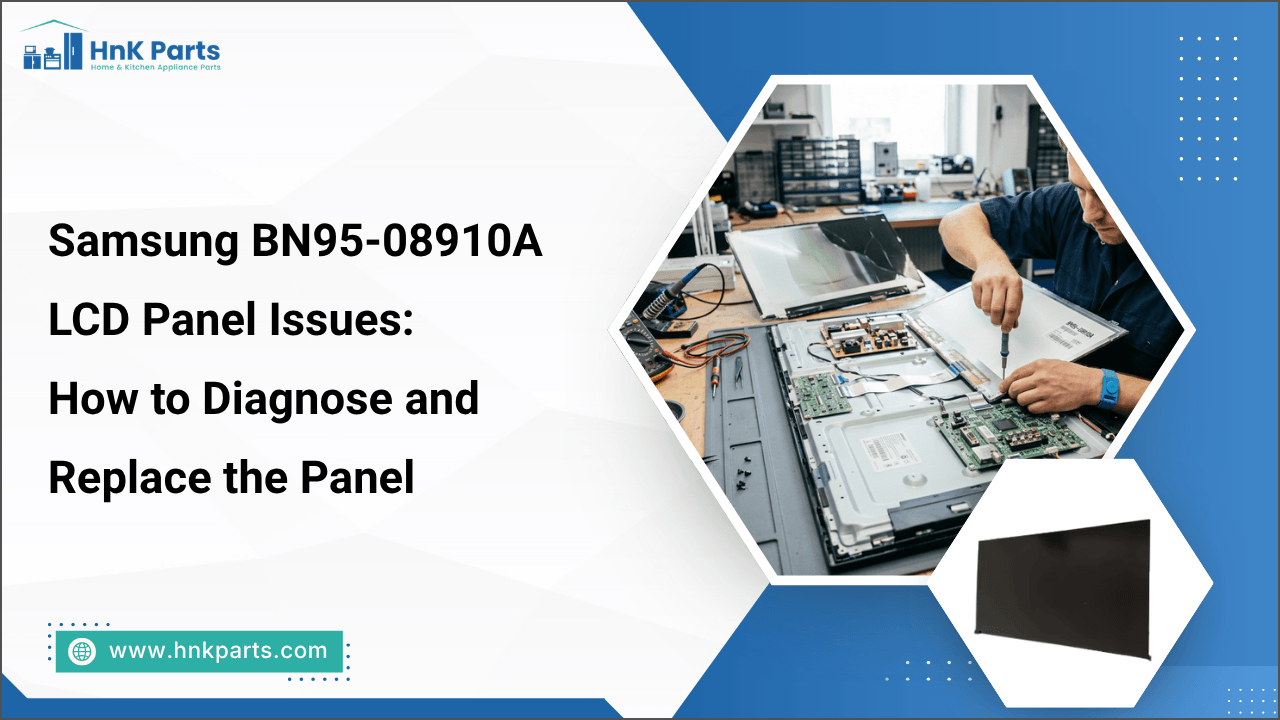
Samsung BN95-08910A LCD Panel Issues: How to Diagnose and Replace the Panel
A faulty LCD panel can cause lines, flickering, distorted images, color problems, or a blank screen on a Samsung TV. The Samsung BN95-08910A is a replacement LCD panel designed for compatible Samsung TV models. Before ordering a replacement, it is important to identify whether the panel itself is faulty or another component is causing the display problem.
Proper troubleshooting of the Samsung BN95-08910A minimizes unnecessary repairs and helps pinpoint the actual source of the display fault. Once the panel is confirmed to be defective, careful installation and testing can help restore normal display performance.
What Are the Most Common Samsung BN95-08910A LCD Panel Issues?
If your TV is showing picture problems, the Samsung BN95-08910A LCD Panel may have an issue with its internal circuitry or bonded connections. Some faults are easy to spot, while others can appear as subtle changes in the screen's picture or performance. Common problems to look for are:
-
Half-Screen Failure: One side of the display may stop responding while the other remains functional.
-
Driver Failure: Edge-mounted drivers can fail, affecting specific rows or columns.
-
TAB Bond Separation: Weak connections between driver tabs and the glass can cause localized display problems.
-
Image Retention: Faint traces of previous images may remain temporarily after the picture changes.
-
Uneven Panel Response: Different screen sections may show subtle variations in brightness or image rendering.
-
Localized Heat Damage: Excessive heat near panel circuitry can damage sensitive components.
-
Intermittent Recovery: The picture may return after power cycling but disappear again as the panel warms up.
A properly installed BN95-08910A LCD panel helps restore clear picture quality and consistent TV operation. Samsung replacement parts can help replace faulty panels and restore proper display functionality.
How to Diagnose a Faulty Samsung BN95-08910A LCD Panel
A faulty display can result from problems with the LCD panel, T-Con board, power supply, or connected cables. Diagnosing the source of the problem first helps confirm whether the Samsung BN95-08910A LCD Panel needs to be replaced.
1. Black Screen or No Picture
-
Check the LVDS Cable: Inspect the LVDS ribbon cable for loose pins, corrosion, tears, or poor connections.
-
Measure Input Voltage: Check the power connector with a multimeter. A steady 12V is typically expected. Low or missing voltage may indicate a power supply or board problem.
2. Half-Screen or Partial Display
-
Test Panel Sides: Disconnect one half of the ribbon cables between the T-Con board and panel edge, then check whether the remaining side displays an image.
-
Switch the Connection: Repeat the test on the opposite side. If one side consistently causes the fault, the problem may involve its internal gate drivers or bonded tabs.
3. Lines, Dead Zones, or Display Distortion
-
Check T-Con Components: Look for burn marks, discoloration, or visible damage around integrated circuits and surface fuses.
-
Inspect Panel Edges: Check the glass substrate and bonded areas for micro-cracks or physical damage.
-
Confirm Panel Failure: Persistent lines or dead zones after checking the connections can indicate a defective BN95-08910A LCD Panel.
4. Intermittent Picture Problems
-
Check for Temperature-Related Changes: If the picture works when the TV is cold but develops lines, missing sections, or distortion after warming up, the fault may involve the panel circuitry or bonded connections.
Diagnosing Tip: Compare readings and display behavior before and after reseating each connector. A change after one connection is handled can help pinpoint the affected circuit.
Looking to restore your Samsung TV performance? Explore quality TV replacement parts, including LCD panels, T-Con boards, main boards, power supply boards, and more. Find compatible home appliance repair parts from HnK Parts and order online with fast shipping.
How to Replace the Samsung BN95-08910A LCD Panel Step by Step
A Samsung BN95-08910A LCD Panel must be handled carefully because its glass and bonded connections can be damaged by pressure or bending. Before beginning the replacement, have the correct panel and necessary tools and supplies ready:
Tools and Supplies Required:
-
Compatible Samsung BN95-08910A LCD panel
-
Appropriate screwdrivers
-
Non-marring pry tools
-
Clean, soft work surface
-
Protective gloves
Step 1: Disconnect the TV: Turn off the TV, unplug it from the power outlet, and make sure it is fully disconnected before beginning the repair.
Step 2: Position the TV: Carefully place the TV face-down on a clean, soft surface that supports the screen evenly and prevents pressure on the display.
Step 3: Remove the Rear Cover: Remove the screws securing the rear cover, then carefully lift the cover away to access the internal components.
Step 4: Disconnect the Cables: Identify the cables connected to the LCD panel and other components that need to be removed. Disconnect each connector carefully without pulling on the wires.
Step 5: Remove the Existing Panel: Release the panel's retaining components and carefully lift the damaged LCD panel with assistance. Keep the panel supported and avoid bending, twisting, or pressing the glass.
Step 6: Install the Replacement Panel: Carefully position the BN95-08910A replacement panel in the chassis and secure it in place without applying unnecessary pressure to the screen.
Step 7: Reconnect the Components: Reconnect all cables and components in their original positions. Check that each connector is fully seated before continuing.
Step 8: Reassemble and Test: Reinstall the rear cover, reconnect the TV to power, and turn it on. Check the display for proper picture quality and normal operation.
Replacement Tip: Never peel, press, or bend the bonded tabs along the LCD glass. These delicate connections can separate easily, causing permanent panel damage
Find out about Samsung 3903-001117 power cord: top issues, causes & easy fixes for TVs.
What Should You Check After Installing the BN95-08910A Replacement Panel?
After installing the Samsung BN95-08910A replacement panel, check the television carefully to confirm that the display and connections are working properly before completing the repair: Post-Installation Checklist
-
Check the Full-Screen Image: Confirm that the entire screen displays properly, with no missing sections or blank areas.
-
Look for Lines or Flickering: Make sure horizontal or vertical lines, flickering, or other previous display issues are no longer present.
-
Check Color and Brightness: Look for abnormal colors, dark spots, uneven brightness, or other changes in picture quality.
-
Test Multiple Inputs: Check different HDMI ports and TV sources to confirm that the display works consistently across inputs.
-
Inspect Cable Connections: If a display issue remains, disconnect the TV from power and carefully check the relevant cable connections.
-
Confirm Proper Panel Fit: Make sure the replacement panel is seated correctly and that no cables are trapped, pinched, or placed under pressure.
What is the most important safety precaution after panel installation?
Avoid pressing, bending, or applying force to the LCD glass and bonded edge tabs. These areas contain delicate connections that can be damaged easily, potentially causing permanent display failure.
Summary: Replace the Samsung BN95-08910A LCD Panel for Reliable Display Performance
Samsung LCD panel repair may be a suitable solution for restoring display performance without replacing the entire television. For a damaged BN95-08910A panel, confirm compatibility and inspect other TV components before installation to support reliable operation.
Key Takeaways
-
Confirm the Samsung BN95-08910A panel matches your TV model before purchasing.
-
Replace the LCD panel when display damage is limited to the panel itself.
-
Compare panel replacement costs with the price of a complete TV replacement.
-
Inspect cables, boards, and connectors before replacing the panel.
-
Handle the LCD panel carefully to avoid cracks or additional damage.
-
Professional installation may be preferable for complex panel replacements.
FAQs
How much does it cost to replace a Samsung BN95-08910A LCD panel?
The replacement cost depends on the panel price, TV model, availability, and labor charges. Professional installation can also increase the total cost.
How can I prevent damage to a newly installed BN95-08910A LCD panel?
Handle the panel by its edges, avoid pressure on the glass or bonded tabs, and keep cables routed away from areas where they could become pinched or stressed.
What should I do if the replacement BN95-08910A panel still shows lines or flickering?
Turn off and unplug the TV, then check the panel and T-Con connections for proper seating. If the issue continues, verify that the replacement panel is compatible and have the display circuit professionally inspected.
How to repair an LCD panel in a Samsung TV?
Check the panel connections, T-Con board, and related voltages first. If the LCD glass or bonded drivers are damaged, replacing the complete compatible panel is usually the best solution.
| Disclaimer: This article provides general information about replacing the Samsung BN95-08910A LCD panel. Panel compatibility, installation procedures, and replacement requirements can vary by TV model. |
-
 Samsung BA96-07797B TV LCD Panel INS-SVC AssemblySpecial Price $655.60 Regular Price $739.95
 -
 Samsung BN07-00530A TV LCD PanelSpecial Price $1,770.56 Regular Price $1,871.95
 -
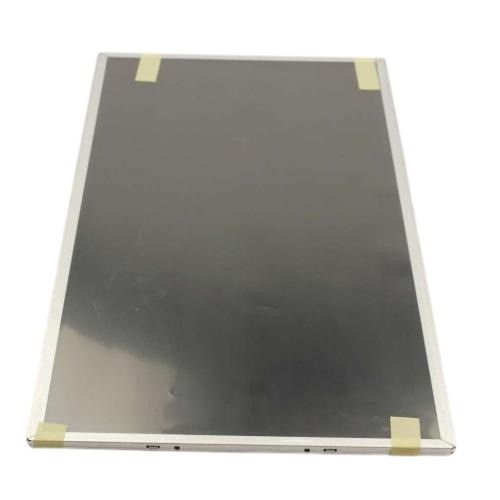 Samsung BN07-01044A TV LCD PanelSpecial Price $370.50 Regular Price $433.95
 -
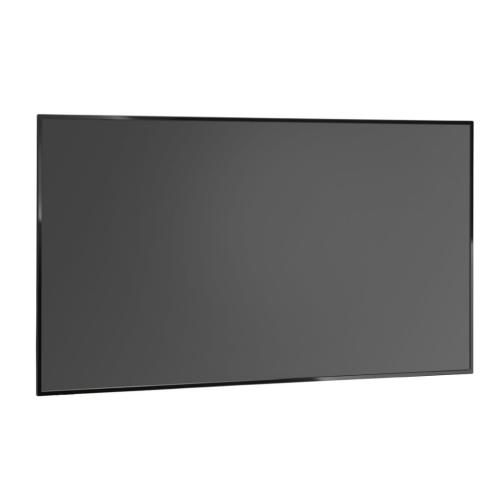 Samsung BN07-01170A TV LCD PanelSpecial Price $850.10 Regular Price $915.95
 -
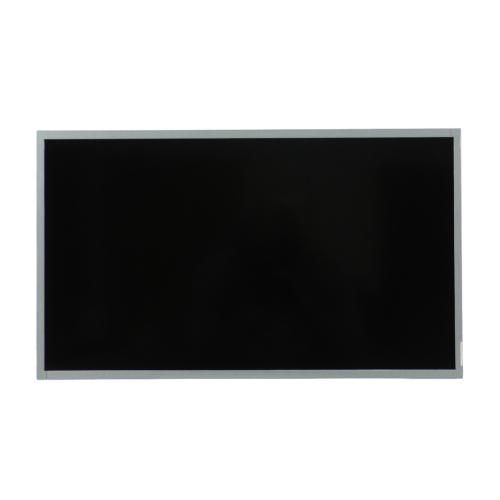 Samsung BN07-01378B TV LCD PanelSpecial Price $344.31 Regular Price $393.95