Please, mind that only logged in users can submit questions
Installation Steps
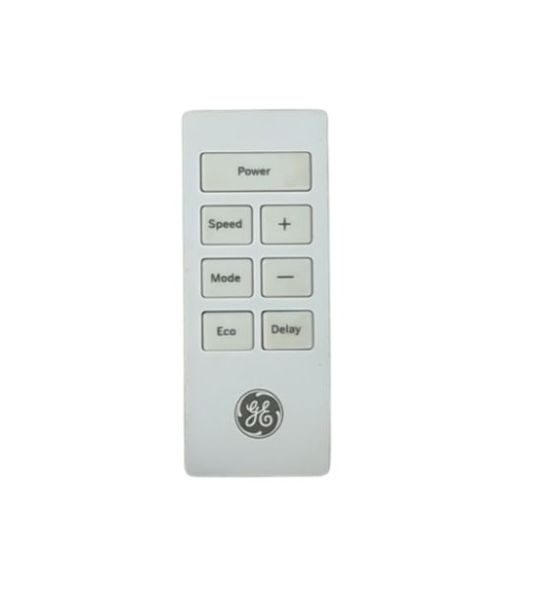
Step 1: Start by collecting the essential materials. A new GE WJ26X27734 remote control will be required, and if needed, a Phillips head screwdriver.
Step 2: After the materials have been assembled, the old remote control associated with your device should be found. Depending on your device's model, the removal of the faceplate or casing may be necessitated. If so, the screws should be delicately unscrewed using your Phillips head screwdriver.
Step 3: Once the faceplate or casing is off, the old remote control should be pinpointed. It should be gently detached from its mounting location.
Step 4: The new GE WJ26X27734 remote control should be taken and placed into the same location. The new remote should be fastened securely.
Step 5: Upon completion, the faceplate or casing should be reattached to the device. It should ensure that it is secured with the screws.
Step 6: Lastly, the functionality of the new remote should be verified to ensure everything is operating correctly.
Well done, your remote control has been successfully replaced!
Please remember, these instructions serve as general guidance and should always be utilized alongside the manufacturer's manual, if one is accessible.