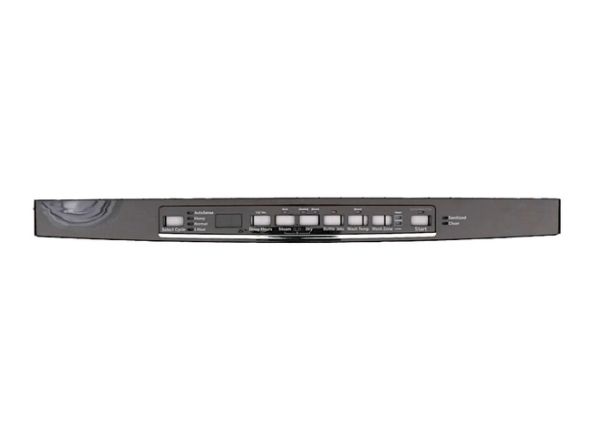
The General Electric WD34X27119 Dishwasher Console Cover & Graphics Assembly is intended to be integrated into the console to enable to control the appliance with ease. It consists of the cover and graphic labels that help to display the control buttons of the dishwasher properly and protect them. It is simple to fit and it improves the strength and outlook of the dishwasher. This replacement part enhances the functionality of the appliance, increases its durability and also gives the dishwasher a new and neat appearance.
Step 1: The dishwasher is disconnected from the electrical outlet, with the plug situated at the bottom part of the unit located.
Step 2: The dishwasher is gently inclined forward to reveal the screws that secure the console cover and graphics assembly to the frame.
Step 3: The four screws positioned at the corners of the console cover and graphics assembly are extracted.
Step 4: The old console cover and graphics assembly are detached from the dishwasher frame, as it may be slightly secured by clips.
Step 5: The new console cover and graphics assembly are positioned onto the dishwasher frame, then the four screws in the corners are reinserted.
Step 6: The screws are firmly tightened to the dishwasher frame.
Step 7: The dishwasher is returned to its upright position, then the dishwasher is reconnected to the electrical outlet.
Step 8: The functionality of the dishwasher is verified to ensure it operates correctly with the newly installed console cover and graphics assembly.
Please note that these instructions are intended for general assistance and should always be referenced alongside the manufacturer's manual, if available.