The store will not work correctly in the case when cookies are disabled.
We collect user information to provide a better user experience and protect the security of our website. By continuing to use our website, you acknowledge the use of cookies.
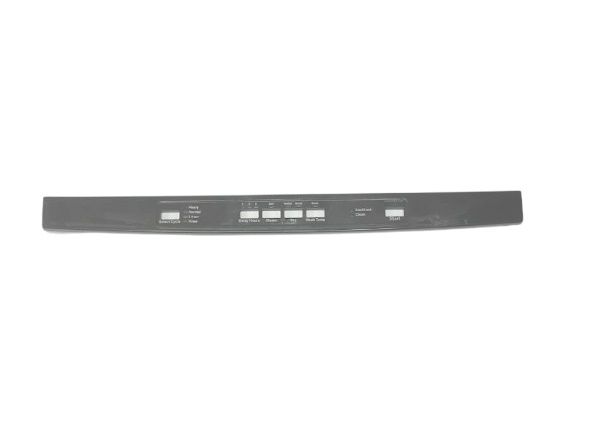
The General Electric WD34X24429 Dishwasher Console Cover Graphic Assembly is used to repair the control panel. It contains the control buttons and the display that make the dishwashing process a success. It operates by enclosing and safeguarding the electronic controls while making it possible to identify the cycles through labeled buttons. It is also long-lasting and does not easily damage, or fade away with regular use.
What maintenance is required for the General Electric WD34X24429 Console Cover Graphic Assembly?
Align the cover carefully so printed symbols match the control buttons beneath. Clean the surface to keep markings visible during operation. Confirm selections register when pressed and that the graphic panel remains firmly positioned during repeated cycle use.
What are common issues with the General Electric WD34X24429 Console Cover Graphic Assembly?
Buttons not aligning with labels.
Symbols not visible clearly.
Cycle options difficult to identify.
Panel response delayed.
Installation Steps
Step1: Unplug the dishwasher to prevent electrical hazards.
Step2: Open the dishwasher door and locate the console area.
Step3: Remove screws or clips holding the old console cover.
Step4: Lift off the old cover carefully.
Step5: Align the new cover and secure with screws or clips.
Step6: Restore power and test buttons for proper operation.