
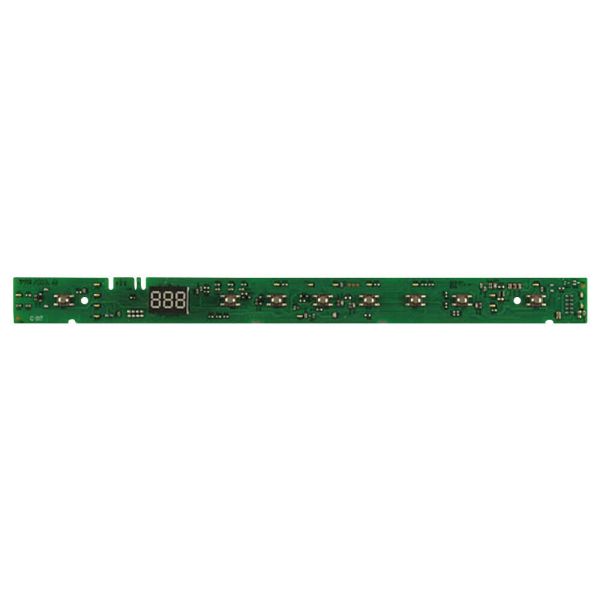
General Electric WD21X31908 Dishwasher Configured User Interface Control Board
Special Price
$69.50
Regular Price
$85.95
In stock
Available Quantity:
59
SKU
WD21X31908
✓ This Product Replaces:
WD21X24823, WD21X26184, WD21X25727
Product Description
The General Electric WD21X31908 Dishwasher Configured User Interface Control Board functions to enable smooth operation and precise control of compatible dishwashing appliances. It receives user inputs and then communicates with the main control board to manage washing cycles for high performance. This part delivers efficient performance through its precise cycle selection with enhanced responsiveness together with reliable functionality. The replacement part enables full operational control while preserving cleaning performance to produce spotless dishes during each wash cycle. This part's sturdy build along with its exact design specifications enables dependable long-term performance and easy dishwasher functioning.
Manufacturer
