
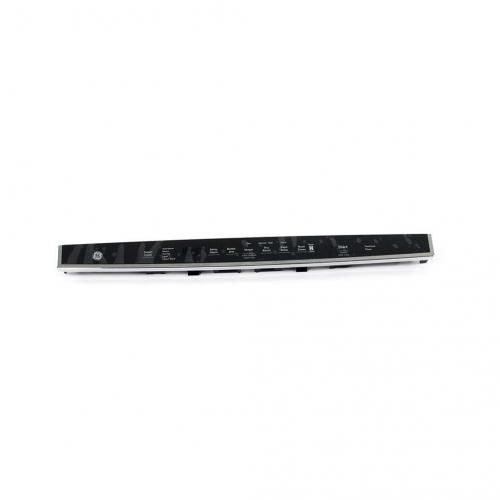
General Electric WD21X25371 Dishwasher Configured Top UI Control W/Cover
Special Price
$147.39
Regular Price
$169.95
In stock
Available Quantity:
92
SKU
WD21X25371
✓ This Product Replaces:
WD21X25565
Product Description
The General Electric WD21X25371 Dishwasher Configured Top UI Control controls the number of washes, water temperature, and drying cycles with precision, it is designed to receive inputs from the interface located on the top part of the part and provide efficient cleaning. It interacts with other parts to provide the wash settings depending on the type of load to be washed. In its operation, it increases productivity and provides clean dishes every time it is used. It is easy to install, and its durability ensures that it sustains high performance, making dishwashing an easy task.
Manufacturer
