The store will not work correctly in the case when cookies are disabled.
We collect user information to provide a better user experience and protect the security of our website. By continuing to use our website, you acknowledge the use of cookies.
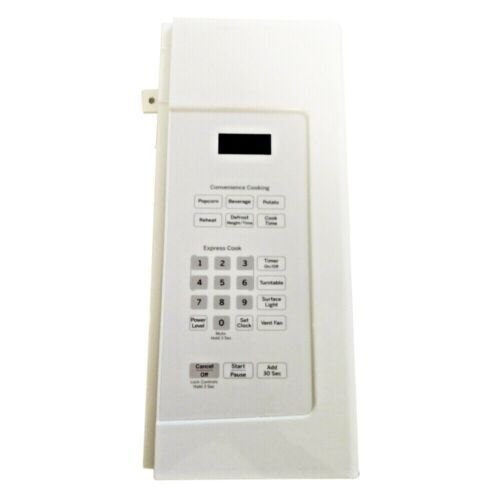
The General Electric WB56X38146 Range Control Panel White houses the appliance’s user interface, including buttons, knobs, and display elements for managing cooking functions. . It operates through passing user inputs into the control board, controlling burners, oven cycles, and timers. The panel is fitted at the front of the range it is attached to fit internal switches and wiring allowing the correct transmission of a signal, a sensible response of the system, and stable functioning of the system in the standard mode of use.
What maintenance is required for the General Electric WB56X38146 Control Panel?
Regularly clean the Range control panel surface with a soft, damp cloth to remove grease and residue. Avoid harsh chemicals that could damage the finish or labels. Inspect for loose connections or unresponsive buttons periodically. Always disconnect power before performing any maintenance for safety.
What are common issues with the General Electric WB56X38146 Control Panel?
Unresponsive or stuck buttons affecting input.
Faded or worn range control labels reducing visibility.