
The store will not work correctly in the case when cookies are disabled.
We collect user information to provide a better user experience and protect the security of our website. By continuing to use our website, you acknowledge the use of cookies.
Observance of Independence day July 4th we are closed [No shipping's and deliveries ] on 07/03/2026, Orders received after 3.00pm CST on 07/02/2026 will be shipping out on Monday 07/06/2026
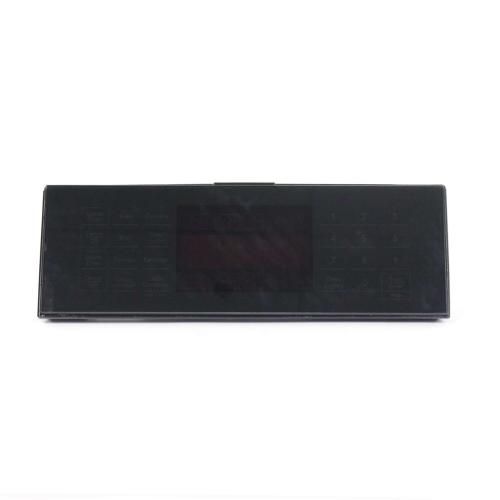
The General Electric WB27X31751 Range Glass & Touch Board Assembly is the glass surface and touch control board and makes the operation of the stove’s interface easy. This assembly is designed to be connected to the internal system of the appliance to enable one to adjust the temperature and cooking mode through a touch. This part will provide with the responsive controls, precise temperature control, and the modern design. Replacing a damaged-out board also helps to increase the life expectancy of the appliance and bring it back to normal use.
What maintenance is required for the General Electric WB27X31751 Glass & Touch Board Assembly?
Keep the touch surface clean so commands register without delay. Confirm the display remains visible and responds to selections. Check that the assembly sits firmly in position. Test several settings in sequence to verify the panel processes multiple inputs smoothly.
What are common issues with the General Electric WB27X31751 Glass & Touch Board Assembly?
Touch inputs delayed.
Display freezing during use.
Settings changing automatically.
Panel failing to register commands.
Installation Steps
Step1: Turn off power at the breaker to the range.
Step2: Remove screws securing the front control panel.
Step3: Detach the panel and disconnect wiring connectors.
Step4: Remove the existing glass and touch board assembly.
Step5: Install the new glass & touch board assembly and reconnect all wiring.
Step6: Reassemble the panel and restore power to test controls.
