
The store will not work correctly in the case when cookies are disabled.
We collect user information to provide a better user experience and protect the security of our website. By continuing to use our website, you acknowledge the use of cookies.
Observance of Labor day 09/07, Monday we are closed [No shippings and deliveries ], Orders received after 3.00pm CST on 09/04/2026 will be shipping out on Tuesday 09/08/2026.
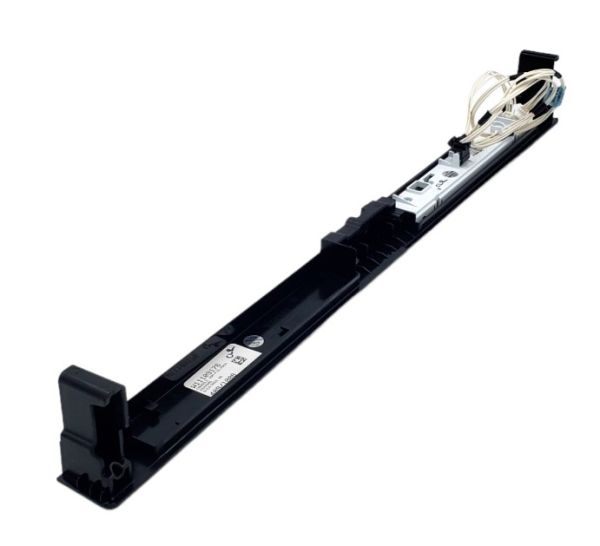
The Whirlpool W11660284 Dishwasher Console+Core serves as the control center for several washing operations and options, providing ease of use and operation. It has buttons that are simple to use and a display that ensures that the users can set the wash to the required washing mode. This product makes the process of washing dishes simple, fast and effective and is built to make the appliance longevity.
What maintenance is required for the Whirlpool W11660284 Console Cap?
Clean the console cap and surrounding area to remove residue and moisture. Ensure it is securely seated and properly aligned. Test operation to confirm all buttons or touch areas operates correctly and consistently.
What are common issues with the Whirlpool W11660284 Console Cap?
Buttons not activating properly.
Cap shifting or loosening during use.
Touch controls responding intermittently.
Display misalignment affecting readability.
Installation Steps
Step1: Disconnect the dishwasher from power for safety.
Step2: Open the dishwasher door and locate the existing console cap.
Step3: Carefully remove any screws or clips holding the old cap.
Step4: Align the new console cap in place.
Step5: Secure it with clips or screws as needed.
Step6: Close the door, restore power, and test button access.
