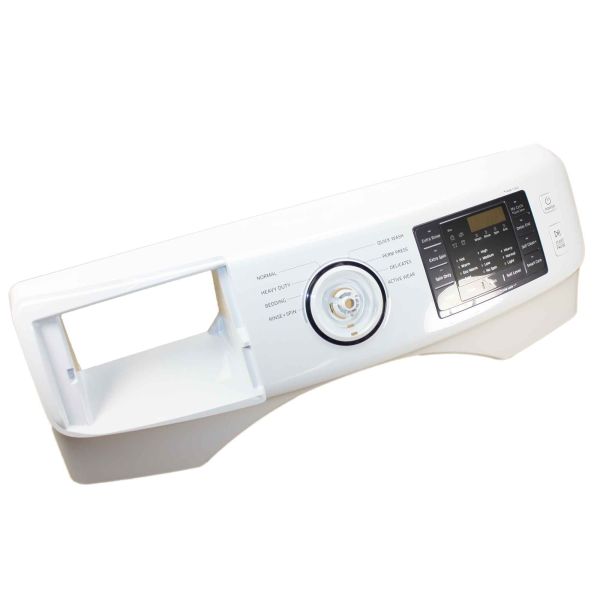
The Samsung DC97-18107E Control Panel Assembly enables users to manage and observe the settings of the washer easily. It functions as a home to the interface and electronic hardware that interact with the in-washing systems to perform wash cycles. This control panel is placed on the front top part of the washing machine so that it can be easily accessed.
Step 1: Your washer should be disconnected from the wall outlet and the water supply should be turned off.
Step 2: The lid of your washer should be raised and the screws that hold the control panel housing in place should be found.
Step 3: With a Phillips head screwdriver, the screws should be removed to take off the control panel housing.
Step 4: The old assembly should be extracted.
Step 5: The new control panel assembly should be gently inserted.
Step 6: The control panel housing should be fastened using the screws.
Step 7: The wiring harness should be connected to the back of the control panel.
Step 8: The washer lid should be reattached.
Step 9: The washer should be plugged back into the wall outlet and the water supply should be switched on.
Step 10: The control panel functionality should be verified by initiating a cycle.
Please remember that these instructions should be utilized as general guidance and should always be utilized alongside the manufacturer's manual, if available.