
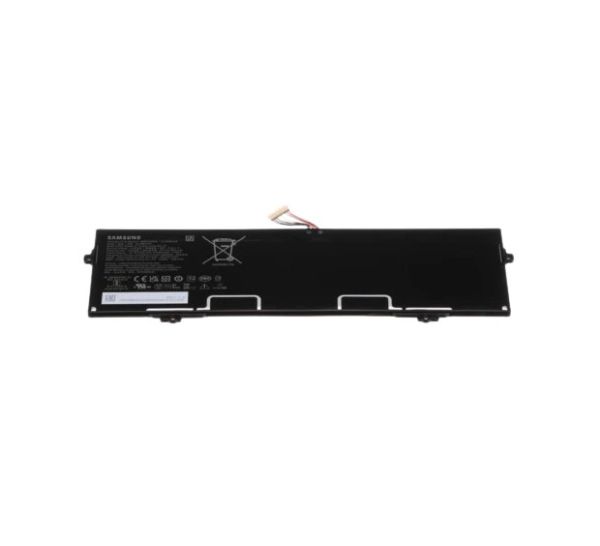
Samsung BA43-00400A Laptop Incell Battery Pack-AA-P

Special Price $197.98 Regular Price $222.95
In stock
Available Quantity:   5
SKU
BA43-00400A
Other Categories,
Manufacturer
https://www.hnkparts.com/media/catalog/product/b/a/ba43-00400a.jpg
Write Your Own Review
You're reviewing:Samsung BA43-00400A Laptop Incell Battery Pack-AA-P
Your Rating
Customer Questions
What maintenance is required for the Samsung BA43-00400A Incell Battery?

Keep the battery contacts clean and free of dust. Charge the battery using the manufacturer-recommended charger to maintain stable power delivery. Avoid exposure to moisture or extreme temperatures. Monitor charge cycles to ensure the battery delivers consistent energy output.

What are common issues with the Samsung BA43-00400A Incell Battery?

  • Laptop shutting down unexpectedly.
  • Battery not charging fully.
  • Charging indicator shows incorrectly.
  • Battery overheats during use.

Installation Steps

Step1: Power off the laptop and unplug it from the charger.

Step2: Close the laptop and flip it over to access the battery compartment.

Step3: Remove the screws or release the latches holding the old battery.

Step4: Carefully disconnect and remove the old battery.

Step5: Insert the new battery and reconnect any connectors.

Step6: Secure it with screws or latches.

Step7: Power on the laptop and check battery status.
