
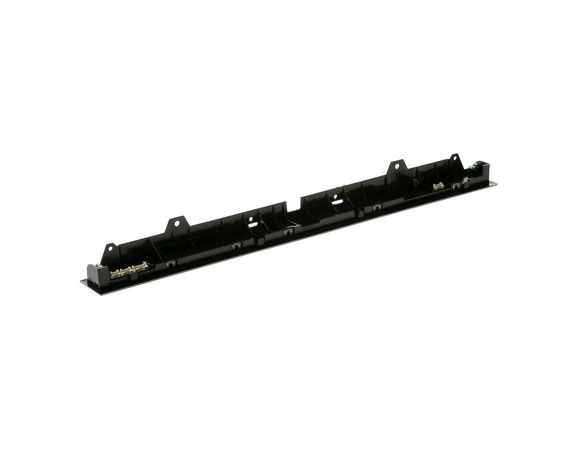
GE WD21X31380 Dishwasher Configured Cafe UI Control W/Cover

Special Price $177.56 Regular Price $199.95
In stock
Available Quantity:   31
SKU
WD21X31380

Product Description

The General Electric WD21X31380 Configured-Cafe UI Control with Cover offers precise and simple control on the cleaning cycles of the dishwasher. This panel user interface allows to choose the type of wash, start or pause the cycle, and observe the progress with responsive buttons and a clear display. The cover included in it prevents moisture and damage to the control board making it durable.
Manufacturer

✓ This Product Replaces: WD21X29520
https://www.hnkparts.com/media/catalog/product/w/d/wd21x31380.jpg
Write Your Own Review
You're reviewing:GE WD21X31380 Dishwasher Configured Cafe UI Control W/Cover
Your Rating
Customer Questions
What maintenance is required for the GE WD21X31380 UI Control W/Cover?

Wipe the control panel and cover with a damp, lint-free cloth to remove detergent residue or water spots. Confirm all buttons respond accurately to input. Ensure the cover sits evenly over the interface for consistent operation. Keep moisture away from electronic contacts.

What are common issues with the GE WD21X31380 UI Control W/Cover?

  • Selected cycles not starting properly.
  • Indicators failing to illuminate.
  • Buttons registering multiple inputs.
  • Delay or preset operations not activating.

Installation Steps

Step1: Turn off the power to the dishwasher at the breaker.

Step2: Open the door and remove the inner panel screws.

Step3: Disconnect the old UI control carefully.

Step4: Connect the new UI control and position the cover.

Step5: Reattach the screws and close the door.

Step6: Restore power and test all operations.