
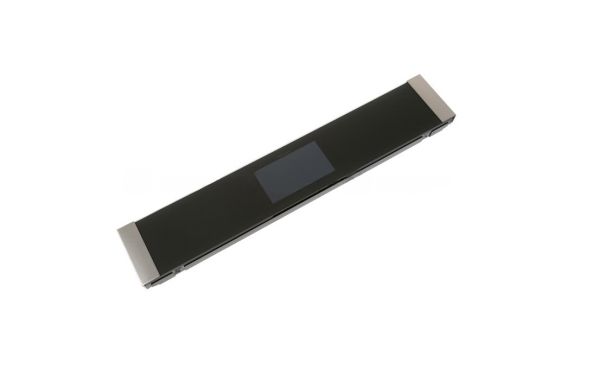
GE WB56X40094 Oven Stainless Control Panel

Special Price $597.75 Regular Price $670.95
In stock
Available Quantity:   10
SKU
WB56X40094

Product Description

The General Electric WB56X40094 Stainless Control Panel manages the settings of the oven and allows to control the temperature, cooking modes and timers accurately. It is made to connect to the internal electronic system of the oven in a secure manner and is responsive and durable. This component returns full functionality, increases safety and keeps your appliance looking sleek.
Manufacturer

✓ This Product Replaces: WB27X32921, WB56X40082
https://www.hnkparts.com/media/catalog/product/w/b/wb56x40094.jpg

This Part Fits the Following Models (1)

Write Your Own Review
You're reviewing:GE WB56X40094 Oven Stainless Control Panel
Your Rating
Customer Questions
What maintenance is required for the GE WB56X40094 Control Panel?

Clean the keypad surface using a soft cloth to prevent buildup that may affect button response. Verify the panel reacts quickly when selecting cooking operations. Check that the display remains visible during cooking and that temperature adjustments register correctly.

What are common issues with the GE WB56X40094 Control Panel?

  • Keypad not allowing selections.
  • Display not showing temperature.
  • Timer failing to start.
  • Control inputs responding slowly.

Installation Steps

Step1: Disconnect oven power supply for safety before beginning.

Step2: Remove screws securing the existing control panel.

Step3: Gently pull panel forward and disconnect attached wiring.

Step4: Position the new control panel and reconnect wires.

Step5: Secure it with original screws, ensuring proper alignment.

Step6: Restore power and verify control functions respond correctly.