The store will not work correctly in the case when cookies are disabled.
We collect user information to provide a better user experience and protect the security of our website. By continuing to use our website, you acknowledge the use of cookies.
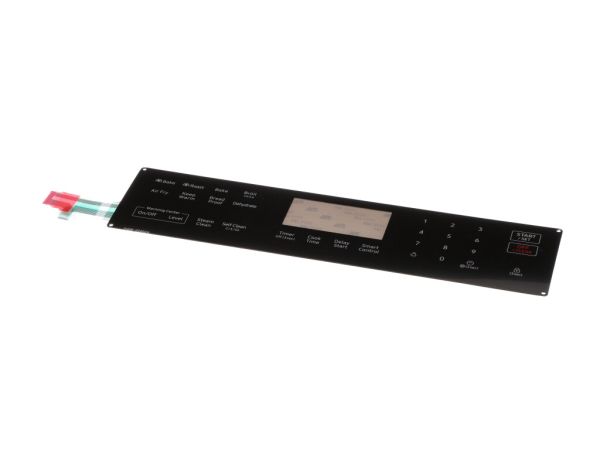
The Samsung DG96-00850G Range Touch Panel Assembly allows for control of the cooking options on the range and has a smooth surface, and it is responsible for sensing touch input to change the temperature, cooking modes, and timers with ease. It is designed to be integrated with other systems for use and it provides the right command. It has a long life cycle and is to be used which enhances the performance and reliability of the system. It has a modern touch control system making the change efficient for better cooking outcomes.
What maintenance is required for the Samsung DG96-00850G Touch Panel Assembly?
Verify touch sensitivity across all control zones and recalibrate settings if response delays occur. Keep the surface dry and free from grease buildup. Inspect ribbon cable connections periodically, and disconnect electrical power before servicing internal control components.
What are common issues with the Samsung DG96-00850G Touch Panel Assembly?
Touch inputs not registering.
Controls activating incorrect functions.
Panel freezing mid-cycle.
Commands responding intermittently.
Installation Steps
Step1: Switch off power to the range at the source.
Step2: Remove screws securing the front control panel.
Step3: Carefully separate the panel to expose the touch assembly.
Step4: Disconnect ribbon cables from the existing unit.
Step5: Position the new touch panel and reconnect cables.
Step6: Reassemble the panel and restore power to test responsiveness.