
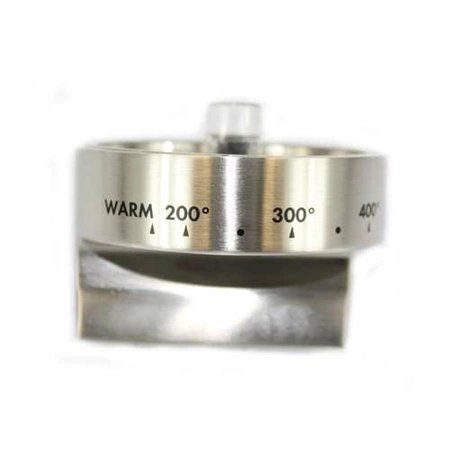
Samsung DE81-10350A Range SVC Knob
Special Price
$52.09
Regular Price
$56.95
In stock
Available Quantity:
16
SKU
DE81-10350A
Product Description
The Samsung DE81-10350A Range Service Knob is an essential component manufactured exclusively for Samsung ranges. It serves as the burner control dial on your stovetop, letting you easily change the heat setting. You may choose the exact temperature you want to cook at, from a low simmer for delicate meals to a high boil for quick cooking, by turning the knob. An SVC knob that isn't working properly can seriously interfere with your cooking experience, making it hard or impossible to control the burner temperature and get the results you want. With the DE81-10350A, you can regain control over your cooktop and ensure safe and effective cooking for all of your culinary masterpieces by replacing a worn-out or cracked knob.
Manufacturer

✓ This Product Replaces:
108495-01, 108495