
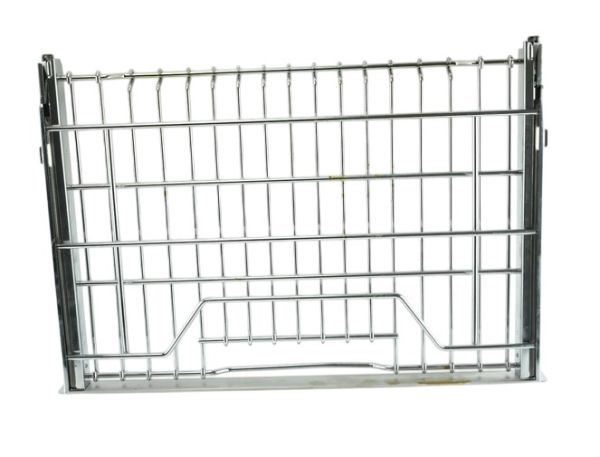
Samsung DE81-07933A Range SVC Accessories Glide Rack
Special Price
$225.65
Regular Price
$295.95
In stock
Available Quantity:
13
SKU
DE81-07933A
Product Description
The Samsung DE81-07933A Range Service Glide Rack is a premium oven accessory that will improve your cooking experience. It is an easy-to-use rack that glides into and out of your oven cavity, saving you from having to reach awkwardly for your food. This creative design reduces the possibility of burns or spills while moving large pots and pans around within the oven. The smooth-gliding mechanism of the DE81-07933A Glide Rack makes it easy to access your food, which makes it ideal for basting, rotating, or checking on your culinary masterpieces without interfering with the cooking process. Furthermore, the robust design of the rack guarantees that it can securely support heavy pots and plates, encouraging efficient and safe cooking.
Manufacturer

✓ This Product Replaces:
106993, DE81-05136A, DE81-08891A