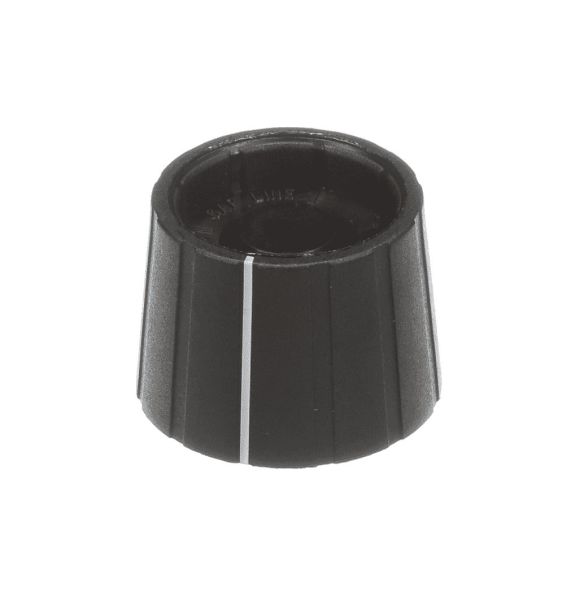
Step 1: Start by disconnecting your Samsung DE81-05998A SVC-KNOB SELCO appliance from the electrical outlet.
Step 2: The knobs located on both sides of the unit should be gently extracted with the assistance of a pair of pliers.
Step 3: A screwdriver should be employed to take out any screws that are holding the knob in position.
Step 4: The knob should be removed from its housing, and it should be disposed of appropriately.
Step 5: A substitute for the Samsung DE81-05998A SVC-KNOB SELCO should be located. It should ensure that it matches the specifications of your appliance.
Step 6: The new knob should be inserted into the housing, and it should be fastened with the screws that were previously used.
Step 7: The knobs on both sides of the unit should be reattached, and it should be verified that the knob rotates without issues.
Step 8: The electrical outlet should be reconnected to, and the functionality of the appliance should be checked.
Step 9: Well done! The Samsung DE81-05998A SVC-KNOB SELCO has been effectively replaced by you.
It is important to remember that these instructions serve as general guidance and should always be utilized alongside the manufacturer's manual, if accessible.