
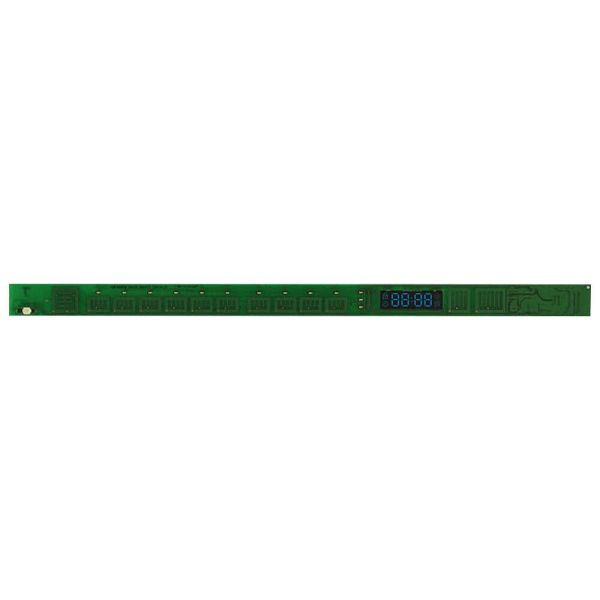
Samsung DD82-01338B Dishwasher Main Touch Control Board

Special Price $115.78 Regular Price $144.86
In stock
Available Quantity:   1
SKU
DD82-01338B

Product Description

The Samsung DD82-01338B Dishwasher Main Touch Control Board controls the functions of the dishwasher and provides the proper completion of the wash cycles. It receives and interprets user inputs and sends signals to regulate water flow, temperature, and time taken in a cycle. The coordination of these function makes it possible to function and provide energy efficiency and durability.
Manufacturer

https://www.hnkparts.com/media/catalog/product/d/d/dd82-01338b_samsung_hnkparts.png
Manufacturer Name: Samsung
Product Number: DD82-01338B
OEM Part Number: DD82-01338B
Product Description: Pcb-Touch

Choose the best Home Appliance parts and supplies from HnKParts!

  • Same Day Shipping

  • Best Quality And Best Price

  • Wide Range of Inventory

  • Best Customer Service

Have More Questions or Need Help to Place The Order?
Reach us at (866)723-0907 or [email protected]

Write Your Own Review
You're reviewing:Samsung DD82-01338B Dishwasher Main Touch Control Board
Your Rating
Customer Questions
What maintenance is required for the Samsung DD82-01338B Main Touch Control Board?

Keep the board and surrounding area dry and free of debris. Wipe the surface gently to remove residue. Ensure all connectors are secure. Test multiple cycles to confirm consistent touch response and accurate operations across all settings.

What are common issues with the Samsung DD82-01338B Main Touch Control Board?

  • Touch controls unresponsive.
  • Cycles starting incorrectly.
  • Display showing wrong status.
  • Delayed or inconsistent input registration.

Installation Steps

Step1: Disconnect the dishwasher from power to prevent shock.

Step2: Remove the control panel screws and gently detach the panel.

Step3: Disconnect all wiring harnesses from the old touch control board.

Step4: Install the new board and reconnect wiring securely.

Step5: Reattach the control panel and screws.

Step6: Restore power and test all touch operations.