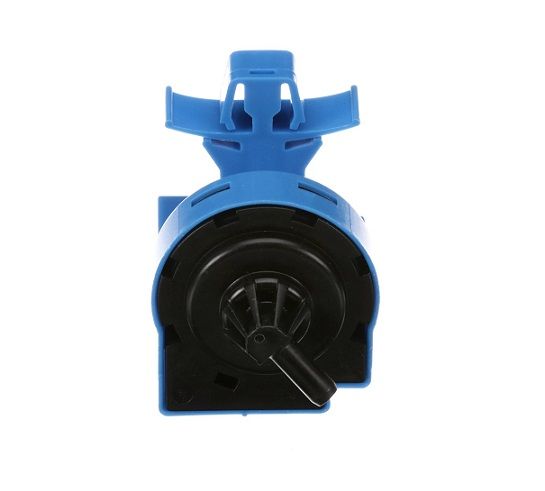
The Samsung DC96-01703G is a crucial component in Samsung washers/dryers, specifically functioning as a water-level pressure switch. It monitors the water level inside the appliance during the washing cycle. Once the water reaches a designated level, the switch sends a signal to the control board, which then instructs the washer/dryer to proceed to the next stage, such as rinsing or spinning. A faulty water level pressure switch can lead to various problems, including overflowing or underfilling with water, both of which can significantly impact the washing performance and potentially damage clothes. Replacing a malfunctioning switch with the Samsung DC96-01703G ensures accurate water level control, promoting optimal cleaning efficiency and protecting your garments during the washing process.
Step 1: The washer is disconnected from the electrical outlet.
Step 2: Access to the switch is gained by detaching the outer panel situated at the rear of the washer.
Step 3: A flathead screwdriver is employed to loosen the screws securing the pressure switch.
Step 4: The old pressure switch is gently extracted and the wires are detached.
Step 5: The wire leads are unplugged and placed aside.
Step 6: The new water level pressure switch sensor assembly is positioned and fastened with the screws that were removed earlier.
Step 7: The wire leads are reattached, ensuring they are connected correctly.
Step 8: The outer panel of the washer is reinstalled.
Step 9: The washer is reconnected to the power source and a test is performed.
Step 10: If all systems are operational, the new switch should be functioning as intended.
Please be aware that these guidelines are served as general assistance and should always be referenced alongside the manufacturer's manual, if accessible.