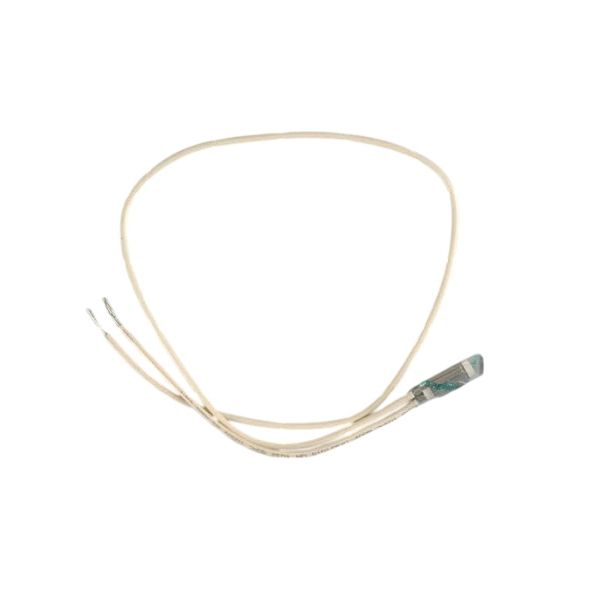
Broan S79270237 Thermal Cutoff Lamp

$11.36
In stock
Available Quantity:   63
SKU
S79270237
Manufacturer
https://www.hnkparts.com/media/catalog/product/s/7/s79270237-36926.jpg

This Part Fits the Following Models (12)

Write Your Own Review
You're reviewing:Broan S79270237 Thermal Cutoff Lamp
Your Rating
Customer Questions
What maintenance is required for the Broan S79270237 Thermal Cutoff Lamp?

Keep the surrounding housing clear so heat can dissipate properly during operation. Confirm electrical terminals remain firmly connected for proper activation. Verify the lamp switches on promptly when selected and maintains stable output throughout normal routine use cycles.

What are common issues with the Broan S79270237 Thermal Cutoff Lamp?

  • Lamp not turning on.
  • Flickering light while the fan is running.
  • Lamp overheating inside the housing.
  • Intermittent lighting during use.

Installation Steps

Step1: Disconnect power supply completely and avoid electrical hazards.

Step2: Remove lamp cover housing from fixture carefully and set aside.

Step3: Detach old thermal cutoff component from socket and inspect area.

Step4: Install new cutoff lamp ensuring proper alignment and fit.

Step5: Secure cover and tighten all mounting screws firmly in place.

Step6: Restore power and test lamp operation safely after installation.