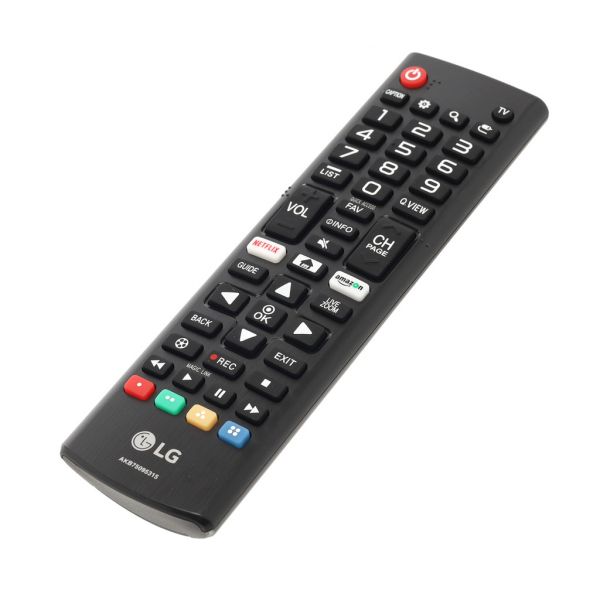
The LG AKB75095315 Remote Controller Assembly operates through infrared technology and sends signals to the television. Designed with a channel, volume, and setting changes without any programming simply insert batteries and begin using it immediately. The grip and buttons are well-spaced to allow simple use of the mouse. Increase longevity and efficient remote ready to control it without any stress.
Step 1: The essential tools for this task should be collected: a new AKB75095315 LG remote control, a small Phillips head screwdriver, and a pair of needle-nose pliers.
Step 2: The television should be unplugged from the power source, then the screws located on the rear of the TV should be identified and taken out.
Step 3: The back panel of the television should be carefully detached, subsequently the two screws that secure the old remote control should be found and removed.
Step 4: The old remote control should be slowly extracted from the television. Several cables attached to the remote that must be disconnected might be present - the needle-nose pliers should be utilized to carefully detach them.
Step 5: The new AKB75095315 remote control should be grabbed and the pins on the back of the unit should be aligned with the corresponding holes on the television.
Step 6: The new remote should be fastened in position with the two Phillips screws, then the cables should be reconnected to the remote.
Step 7: The back panel should be repositioned onto the television and secured using the screws that were removed earlier.
Step 8: The television should be plugged back into the power outlet and you’re finished!
Please remember, these instructions serve as general guidance and should always be utilized alongside the manufacturer's manual, if one is available.