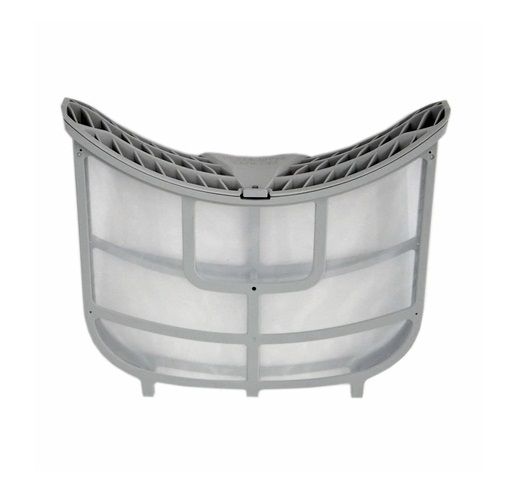
The LG ADQ73373201-Lint Screen Filter-Assembly is used to ensure the dryer operates efficiently and safely in the dryer. In the operation, warm air flows through the lint screen and traps lint, dust as well as small fabric particles that are released from the clothes during the drying process. Minimize the chances of particles blocking the vent system. This filter has a fine mesh that is capable of trapping lint but at the same time allowing proper circulation of air to ensure that the clothes dry properly and evenly.
Step 1: Your dryer should be disconnected from the electrical outlet and then shifted away from the wall.
Step 2: The lint filter cover should be taken off. This cover can be found within your dryer, positioned in the front left corner of the dryer drum. A flat head screwdriver should be utilized to unscrew the fasteners on both sides of the filter cover. The filter cover should be elevated away from the dryer.
Step 3: The lint filter assembly should be identified. The assembly is situated beneath the filter cover, affixed to the dryer’s interior wall.
Step 4: The old lint filter should be extracted. The filter should be drawn directly out of its compartment.
Step 5: The new lint filter should be placed. The new filter should be inserted into the filter housing, ensuring it’s firmly secured.
Step 6: The filter cover should be reattached. The filter cover should be positioned over the lint filter housing and the screws you previously removed should be reinstalled.
Step 7: Your dryer should be reconnected to the power supply and pushed back against the wall.
Please remember, these instructions are served as general guidance and should consistently be referenced alongside the manufacturer's manual, if one is available.