The store will not work correctly in the case when cookies are disabled.
We collect user information to provide a better user experience and protect the security of our website. By continuing to use our website, you acknowledge the use of cookies.
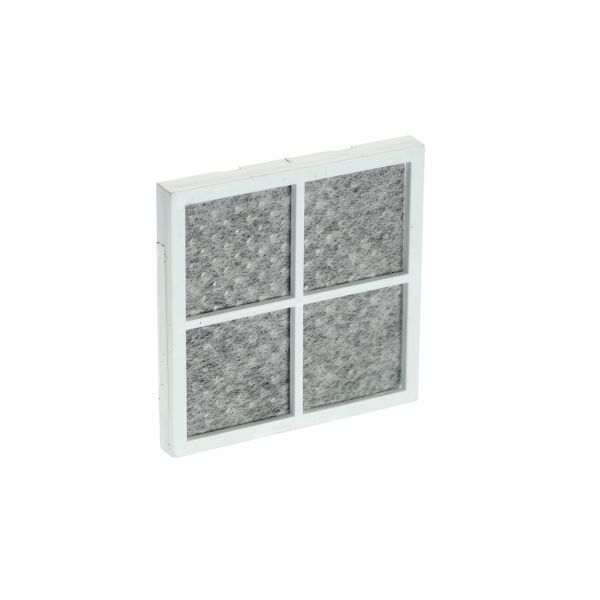
The LG ADQ73214408 Refrigerator Air Cleaner Filter Assembly draws odors out of the air by passing the air through activated carbon and filter media. It constantly pulls air from the inside of the refrigerator and captures particles and odour molecules.
Step 1: The filter housing should be identified and the power to your refrigerator at the mains should be disconnected.
Step 2: The panel at the bottom of your refrigerator should be accessed and the filter housing should be found. The filter housing should be detached by removing the single Phillips screw at its base.
Step 3: The old filter should be extracted from the housing. It should be disposed of appropriately.
Step 4: The new filter should be positioned into the housing, ensuring the flow arrow on the filter is aligned with the flow arrow on the housing. This confirms that the filter is oriented correctly and will function properly.
Step 5: The filter housing should be reattached and fastened with the Phillips screw. Power should be restored at the mains.
Step 6: Your filter status indicator light should be reset. This is typically accomplished by pressing and holding the filter reset button until the light blinks or turns off. Your owner’s manual should be referred to for specific instructions related to your model.
Step 7: Your clean, filtered water should be relished!
Please remember, these directions are intended for general assistance and should always be utilized alongside the manufacturer’s manual, if available.