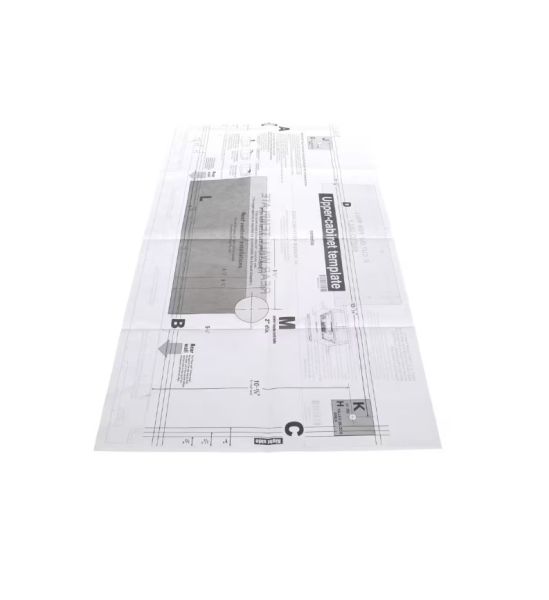
Step 1: Assemble the Tools and Materials A Phillips head screwdriver, a flat head screwdriver, and the new LG 4922W5A057G CARD-TEMPLATE will be required.
Step 2: Disconnect the Appliance Prior to initiating any electrical tasks, it is essential to ensure that the power is turned off. The appliance should be disconnected from the wall outlet.
Step 3: Take Off the Outer Cover The screws on the outer shell of the appliance should be removed using your Phillips head screwdriver. The cover should be gently taken off and placed aside.
Step 4: Identify the Card The old card-template should be located and the two screws fastening it to the back plate of the appliance should be found. A flat head screwdriver should be employed to loosen the screws and the card should be detached.
Step 5: Position the New Card Your new LG 4922W5A057G CARD-TEMPLATE should be grabbed and aligned with the back plate. The card should be fastened using the screws that were previously removed.
Step 6: Reattach the Outer Cover The outer cover of the appliance should be reinstalled. It should ensure that all screws are secure to prevent any future issues.
Step 7: Reconnect the Appliance The appliance should be reinserted into the wall outlet. After connecting, the appliance should be tested to verify that the new card-template is functioning correctly.
Please note, these instructions are served as general guidance and should always be utilized alongside the manufacturer's manual, if one is available.