The store will not work correctly in the case when cookies are disabled.
We collect user information to provide a better user experience and protect the security of our website. By continuing to use our website, you acknowledge the use of cookies.
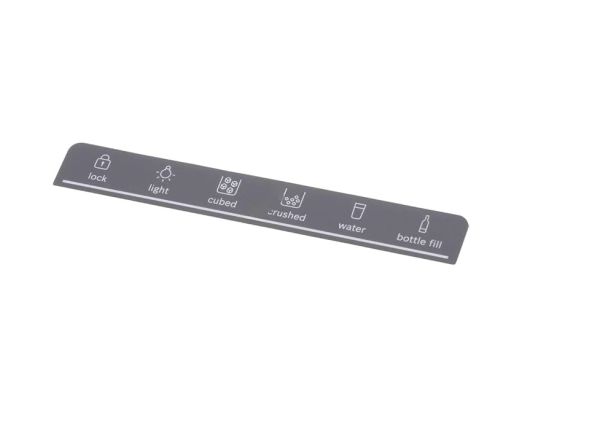
The Bosch 12033661 Refrigerator Display Panel provides control over the appliance settings and transmits the information about the operations to the user. It works by transmitting instructions on the panel to the control board to operate functions like temperature and modes. It is mounted on the front of the refrigerator cabinet and is firmly attached to internal wiring and internal components so that it has stable connections and a flow of signals to maintain the performance.
What maintenance is required for the Bosch 12033661 Display Panel?
Keep the refrigerator display panel clean and dry by wiping it with a soft, non-abrasive cloth to prevent moisture damage. Ensure connections behind the panel remain secure and free from corrosion. Avoid using excessive force on buttons or touch surfaces. Regular inspection helps maintain responsiveness and prevents electrical or interface malfunctions.
What are common issues with the Bosch 12033661 Display Panel?
Unresponsive or frozen display.
Flickering or dim screen visibility.
Buttons or touch inputs not registering.
Incorrect temperature readings or display errors.
Communication failure with main control system.
Installation Steps
Step1: Disconnect refrigerator power to prevent electrical hazard before starting work.
Step2: Open the control console and remove the outer cover to access the existing display panel.
Step3: Carefully disconnect ribbon cable and remove screws holding the old display panel.
Step4: Install the new display panel, ensuring the connector is fully seated and aligned properly.
Step5: Reassemble the console, restore power, and verify all display functions respond correctly.