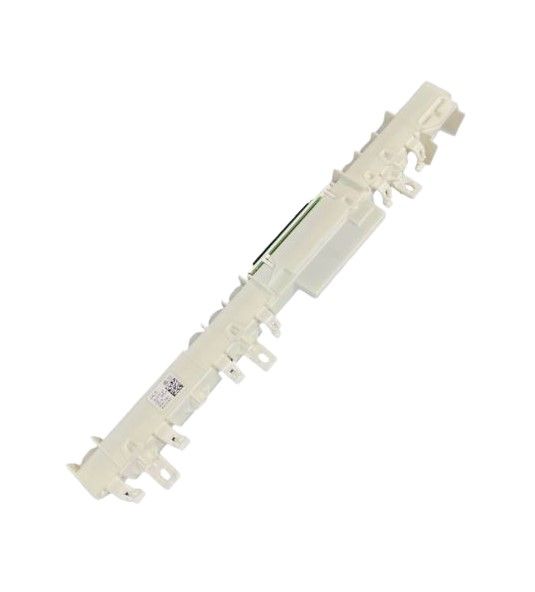
Asko 818170 User Interface Top Display DW40.2
Special Price
$382.33
Regular Price
$399.95
In stock
Available Quantity:
1
SKU
818170
Product Description
The Asko 818170 User Interface Top Display DW40.2 manages control inputs and displays cycle information for programmed operation of the system. It is placed on the upper control panel, it connects to the main control board through a wiring harness and signal interface to transmit commands and receive status data. Its configuration integrates touch or button input pathways with display output segments for real-time operational input. It coordinates program selection, timing information, and status indicators during operating sequences of wash cycles, temperature regulation, and system operation flow within the control cycle processing architecture.
Manufacturer